Manual Gallery Cleanup vs Smart Apps: Which Is Better?
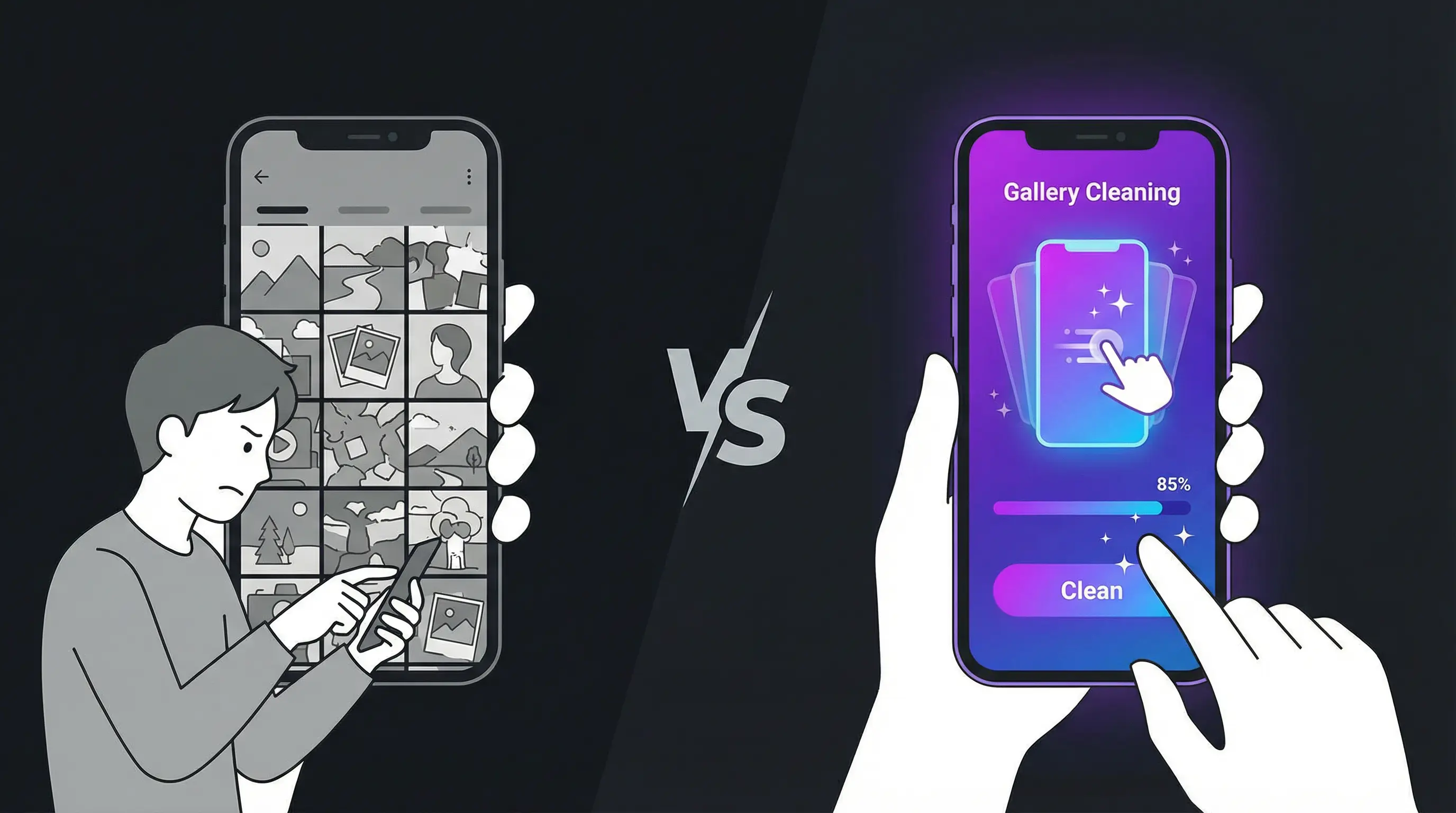
The Great Cleanup Debate
When it comes to cleaning your phone's photo gallery, you essentially have two options: do it manually using your phone's built-in tools, or use a dedicated gallery cleaning app. Both approaches have their place, and understanding the strengths and weaknesses of each will help you choose the right method for your situation.
This isn't just a matter of preference — the method you choose can mean the difference between a 30-minute cleanup session and a 3-hour ordeal. It can affect how many photos you accidentally delete, how much storage you reclaim, and whether you actually finish the job or give up halfway through. Let's break it down.
The Manual Method: A Deep Dive
How It Works
Manual gallery cleanup means using your phone's native Photos app to browse, select, and delete unwanted images. On iPhone, this involves opening the Photos app, navigating to your library or a specific album, and either deleting photos one by one or using the multi-select feature to batch-delete groups of images.
Advantages of Manual Cleanup
No additional software required: Everything you need is already on your phone. There's nothing to download, no permissions to grant, and no new interface to learn. If you're privacy-conscious or simply don't want another app on your phone, this is a significant advantage.
Full control over organization: When cleaning manually, you can simultaneously organize your library. You can move photos to albums, add them to favorites, or tag them with locations and descriptions. This dual-purpose approach can be valuable if your goal extends beyond just deleting photos.
Familiar interface: You already know how to use your Photos app. There's no learning curve, no tutorial to watch, and no new gestures to master. You can start immediately and work at whatever pace feels comfortable.
Disadvantages of Manual Cleanup
Excruciatingly slow: This is the fatal flaw of manual cleanup. At a realistic pace of 5-8 seconds per photo (accounting for zooming in, evaluating, and navigating), processing 5,000 photos would take 7-11 hours. No one has that kind of time or patience for photo management.
Thumbnail blindness: The grid view in Photos shows tiny thumbnails that make it nearly impossible to judge photo quality. You end up tapping into dozens of photos just to see if they're blurry or poorly composed, adding enormous overhead to an already slow process.
Decision fatigue: After evaluating 200-300 photos manually, your decision-making quality deteriorates significantly. You start keeping everything because it's easier than deciding, or you delete aggressively out of frustration and later regret it. Either way, the outcome is suboptimal.
No flow state: The constant switching between browsing, selecting, and deleting prevents you from entering a flow state. Every transition is a small interruption that drains your mental energy and slows you down. The experience feels fragmented and unsatisfying.
The Smart App Method: A Deep Dive
How It Works
Smart gallery cleaning apps like Gallery Cleaning present your photos one at a time in full-screen view. You make a binary decision on each photo — keep or delete — using a simple swipe gesture. The app queues your deletion choices and lets you review them before making anything permanent. The entire process is designed for speed, accuracy, and user satisfaction.
Advantages of Smart Apps
Dramatically faster: The speed difference is staggering. Where manual cleanup processes 8-12 photos per minute, swipe-based apps process 25-35 photos per minute — a 3x improvement or better. A library of 5,000 photos can be cleaned in 2-3 hours instead of 10+, and those hours can be broken into comfortable 15-minute sessions.
Better decision quality: Seeing each photo full-screen leads to better keep-or-delete decisions. You can see details that are invisible in thumbnail view — a subtle blur, an awkward expression, a distracting background element. The result is a more curated gallery with consistently higher quality photos.
Maintains engagement: The gamified swipe interface keeps you engaged and motivated. The variable reward of each new photo, the satisfaction of the swipe animation, and the progress tracking all work together to make cleaning feel rewarding rather than tedious. Users consistently report that swiping is "addictive" in the best possible way.
Built-in safety nets: Good gallery cleaning apps include multiple layers of protection against accidental deletion. The review phase lets you rescue mistakenly swiped photos. The 30-day recovery window in your phone's Recently Deleted folder provides a final safety net. These safeguards mean you can swipe quickly and confidently without anxiety.
Encourages regular use: Because the experience is enjoyable, users are more likely to make gallery cleaning a regular habit. This prevents the massive backlog that makes cleanup feel overwhelming in the first place. A few minutes of daily swiping keeps your gallery permanently clean.
Disadvantages of Smart Apps
Requires downloading an app: You need to install an additional app, which takes up some storage space and requires granting access to your photo library. For users who are extremely cautious about app permissions, this might be a concern — though reputable apps like Gallery Cleaning process everything locally and never upload your photos.
Learning curve: While minimal, there is a brief learning curve. You need to understand the swipe directions, the review process, and the confirmation step. Most users master it within 30 seconds, but it's not zero friction.
Focused on cleanup only: Swipe-based cleaners are optimized for the keep-or-delete decision. They don't replace the need for a full-featured photo organizer if you want to create albums, add tags, or edit photos. They complement your existing tools rather than replacing them.
Head-to-Head Comparison
Speed
Manual: 8-12 photos per minute. Smart App: 25-35 photos per minute. Winner: Smart App by 3x.
Accuracy
Manual: Low — thumbnail view hides details. Smart App: High — full-screen view reveals everything. Winner: Smart App.
Safety
Manual: Moderate — multi-select can cause accidental deletions. Smart App: High — review phase plus 30-day recovery. Winner: Smart App.
User Experience
Manual: Tedious, frustrating, leads to abandonment. Smart App: Engaging, satisfying, encourages completion. Winner: Smart App.
Privacy
Manual: Perfect — no third-party involvement. Smart App: Depends on the app. Gallery Cleaning processes locally with no uploads. Winner: Tie (when using privacy-first apps).
Cost
Manual: Free. Smart App: Free or low-cost premium. Winner: Manual (marginally).
When to Use Each Method
Use Manual Cleanup When:
You have fewer than 100 photos to clean. You want to simultaneously organize photos into albums. You're on a device where you can't install apps. You prefer not to use any third-party software.
Use a Smart App When:
You have hundreds or thousands of photos to clean. You want to finish quickly without burning out. You value seeing each photo at full resolution before deciding. You want to build a sustainable cleanup habit.
The Verdict
For the vast majority of users, a smart gallery cleaning app is the clear winner. The speed advantage alone justifies the download, and the improved decision quality means you end up with a better-curated photo library. The gamified experience makes it something you might actually look forward to, rather than a chore you perpetually postpone.
Manual cleanup still has its place for small, targeted cleanups or for users who prefer total control. But if you're sitting on thousands of unreviewed photos and your storage is screaming for relief, a swipe-based cleaner like Gallery Cleaning is the most efficient, effective, and enjoyable solution available.
The bottom line: don't let perfect be the enemy of good. Whether you choose manual or app-based cleanup, the most important thing is to start. Your future self — and your phone's storage — will thank you.
Quick Recap: Manual vs Smart Gallery Cleaning
- Speed: Smart apps (25–35 photos/min) are 3x faster than manual (8–12 photos/min).
- Accuracy: Full-screen view in apps beats tiny thumbnails in manual mode.
- Safety: Smart apps include review phase + 30-day recovery. Manual multi-select risks accidental deletion.
- Experience: Swipe-based cleaning is engaging. Manual cleanup causes decision fatigue and abandonment.
- Verdict: For 100+ photos, a smart app like Gallery Cleaning is the clear winner.
Related Articles
- How to Clean Your Phone Gallery Fast (2025 Guide)
- Best Way to Delete Thousands of Photos on iPhone
- Swipe-Based Gallery Cleaning Explained
About Gallery Cleaning
Gallery Cleaning is a privacy-first photo cleaner app for iPhone. It uses a swipe-based interface — swipe left to delete, swipe right to keep — to make gallery cleaning fast and enjoyable. All photos are processed locally on your device. Free on the App Store.
Clean Your Gallery Today
Download Gallery Cleaning and start swiping. Free up phone storage in minutes. Free on the App Store.
Download Gallery Cleaning